You’ve probably run into printing issues that slow everything down. Maybe your output fades faster than expected, or your equipment struggles to keep up with production demands. When you rely on large-format prints for job sites, events, or technical visuals, those setbacks add up quickly. The right equipment solves those problems before they start.
Let’s break down 12 key features that matter for industrial signage printers and how each feature supports your day-to-day operations.
Why Printer Features Directly Impact Your Workflow
Every feature on your printer plays a role in how efficiently you work. When something falls short—whether it’s speed, material handling, or color consistency—you feel it immediately.
Strong equipment supports your workflow instead of slowing it down. When all components work together, you reduce errors and meet deadlines with confidence. That’s why understanding these features is essential.
Precision Print Resolution for Sharp, Accurate Results
Clear Lines and Readable Graphics
Precision matters when you print technical drawings, safety signage, or branded visuals. High-resolution output ensures every line, detail, and color looks clean and professional.
A capable system delivers:
- Sharp line accuracy, smooth gradients, consistent ink distribution, and fine detail clarity
- Crisp text rendering, balanced color tones, accurate scaling, and edge definition
- Minimal distortion, reliable layering, clean overlays, and consistent output across jobs
- Professional-grade visuals, repeatable quality, reduced rework, and improved readability
When your prints look right the first time, you save time and maintain credibility.
Material Compatibility for Real-World Applications
Handling a Wide Range of Media
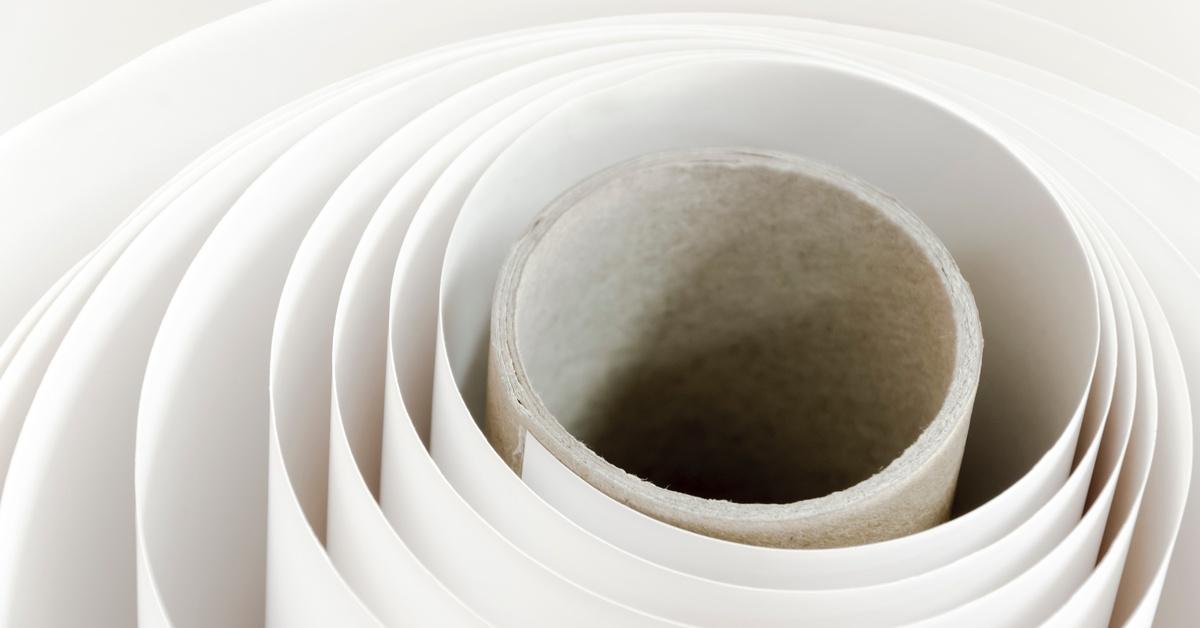
Industrial printing rarely sticks to one material. You might switch between coated paper, synthetic films, or heavy-duty media depending on the job.
A versatile printer handles a variety of thicknesses, textures, finishes, and formats without constant recalibration. That flexibility lets you move between projects without slowing production or compromising quality.
Durability That Matches Industrial Demands
Built for Long-Term Performance
Industrial environments push equipment hard. Your printer needs to withstand continuous operation without breaking down under pressure.
Durable systems maintain consistent performance across long print runs, heavy workloads, varied conditions, and extended use cycles. You won’t deal with constant interruptions, and your output stays reliable even during peak demand.
High-Speed Output That Keeps Projects Moving
Balancing Speed and Quality
Speed matters when deadlines tighten, but fast output only works if quality stays consistent.
Top systems process large files efficiently, reduce wait times between jobs, maintain accuracy at higher speeds, and support batch printing without lag. This balance helps you keep projects on schedule without sacrificing results.
Advanced Ink Systems for Longevity
Prints That Hold Up Over Time
Ink quality directly affects durability. You need prints that resist fading, smudging, and environmental wear.
When professionals evaluate equipment, they focus on reliable signage printers. This is because they depend on ink systems that deliver strong adhesion, consistent color output, long-lasting performance, and resistance to outdoor exposure. That combination ensures your prints stay clear and readable long after production.
User-Friendly Controls That Improve Efficiency
Simplifying Daily Tasks
Complicated systems slow your team down. A user-friendly interface makes a big difference in daily operations.
Modern printers include intuitive controls, streamlined job setup, automation features, and easy navigation. These tools reduce training time and help your team work more efficiently from day one.
Scalable Capabilities for Growing Workloads
Supporting Long-Term Growth
Your printing needs will evolve, and the equipment you choose should grow with your business.
Scalable systems handle larger formats, higher volumes, expanded material options, and increased production demands. That flexibility helps you avoid frequent upgrades and keeps your workflow consistent as your deliverables increase.
Consistent Color Calibration Across Projects
Maintaining Accuracy Every Time
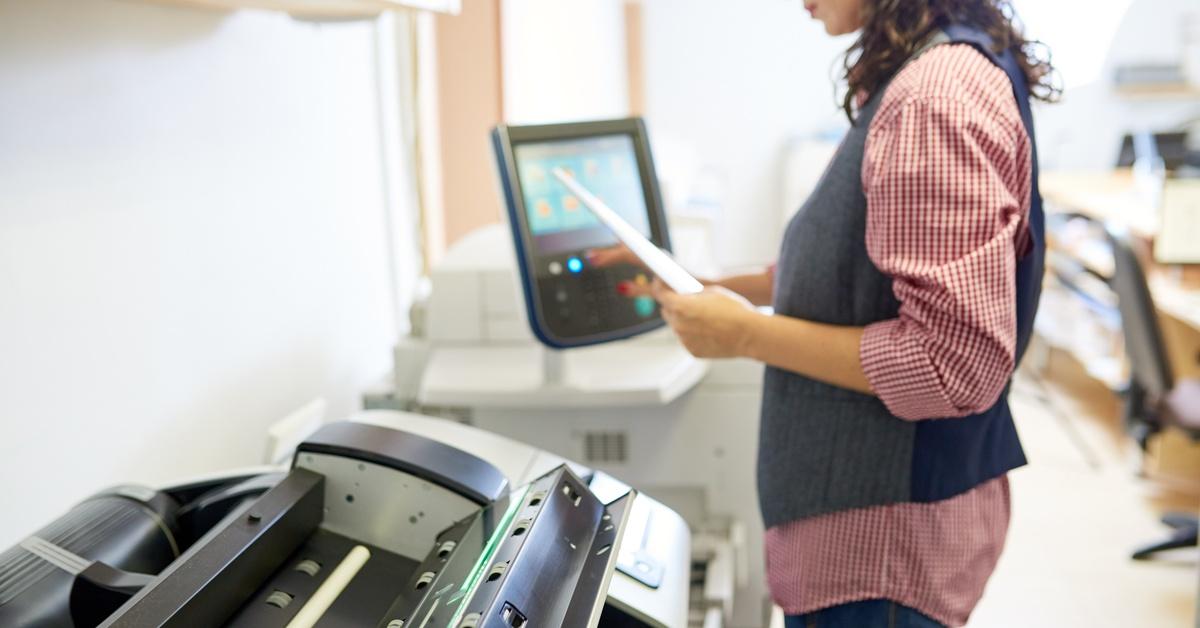
Color consistency matters, especially for branding or technical applications. Advanced calibration tools ensure repeatable output, accurate color matching, consistent tones, and dependable performance across different materials. This level of control eliminates guesswork and improves overall quality.
Connectivity and Workflow Integration
Managing Jobs More Efficiently
Today’s workflows demand flexibility. Connectivity features help you stay in control no matter where you are.
You can monitor progress, adjust settings, manage queues, and troubleshoot issues remotely. These capabilities reduce downtime and allow you to respond quickly when changes happen.
Maintenance Features That Reduce Downtime
Keeping Production Running Smoothly
Maintenance shouldn’t interrupt your workflow. Efficient systems simplify upkeep and minimize delays.
Look for features like automated cleaning cycles, easy-access components, diagnostic alerts, and quick replacement processes. These tools keep your equipment running and reduce the risk of unexpected breakdowns.
Cost Efficiency That Adds Up Over Time
Looking Beyond the Initial Price
The true cost of a printer goes beyond the purchase price; long-term efficiency matters more.
Reliable systems reduce waste, optimize ink usage, lower maintenance costs, and improve production output. Over time, these savings help you maximize your investment and maintain consistent profitability.
Environmental Considerations and Print Performance
Adapting to Real-World Conditions
Environmental factors are overlooked, but they impact print quality and equipment reliability. Temperature fluctuations, humidity levels, dust exposure, and workspace ventilation all influence how materials behave during printing.
A well-equipped system compensates for these variables by maintaining consistent ink flow and stabilizing media movement. Additionally, they reduce print defects.
When your printer adapts to its surroundings, you avoid warping, smudging, and alignment issues. That added stability keeps your output consistent, even when your environment changes throughout the day.
Bring the Right Features Together
When you evaluate equipment, you shouldn’t focus on just one feature. The best results come from how everything works together.
These key features of industrial signage printers create a foundation for reliable, efficient, and high-quality output. When your system supports your workflow, you spend less time troubleshooting and more time producing results that meet your standards.
Work With a Team That Understands Your Needs
We know how frustrating it feels when your equipment or materials don’t keep up with your workload. At Plotter Paper Guys, we’ve spent decades helping professionals find the right solutions without overcomplicating the process.
We focus on getting you what you need quickly, whether that means the right media, the right equipment, or guidance that makes sense. If you’re ready to improve your workflow and stop dealing with avoidable setbacks, we’re here to help you move forward with confidence.