Printing on both sides of a sheet sounds simple until distracting show-through affects the result. If you've wondered whether 24lb paper opacity makes a difference for double-sided prints, the answer comes down to more than paper thickness alone. A slightly heavier sheet changes the way light passes through the page, which helps text and graphics stay cleaner from one side to the other. Once you understand the nuances of opacity, you'll find it much easier to choose paper that supports a polished presentation.
Compare Common Paper Weights
Many offices rely on standard 20lb paper because it handles everyday printing well and feeds smoothly through most printers. However, you may notice text from the opposite side when printing reports with darker graphics or larger fonts. That distraction becomes easier to spot under bright lighting.
Moving to 24lb bond paper provides a practical balance between everyday usability and improved print quality. This grade remains compatible with most laser and inkjet printers while offering a sturdier sheet that reduces show-through. You gain a more professional appearance without moving into cardstock territory.
If you're deciding between common paper weights, keep these general differences in mind:
- Standard 20lb paper allows more light to pass through the sheet
- 24lb bond paper provides greater opacity while remaining easy to handle
- Heavier paper gives printed pages a more substantial feel
- Better opacity helps both sides remain easier to read
- Most office printers handle this weight without requiring special settings
Read Both Sides Comfortably
A document should invite you to keep reading instead of making your eyes work harder. When shadows from the opposite side compete with the current page, you lose your concentration because your brain sorts through unnecessary visual distractions. Better opacity creates cleaner pages that let your content stay in focus.
You may notice this improvement during long reports, training manuals, presentations, or reference materials that people read for extended periods. Cleaner pages reduce visual clutter while helping printed graphics maintain their intended appearance. That simple upgrade creates a better reading experience without changing your printer.
Everyday Printing Benefits
You don't have to work in architecture or graphic design to notice the value of cleaner double-sided documents. Anytime you hand someone a printed document, clear pages help them focus on the content. A small paper upgrade improves the finished product without changing your workflow.
Printing both sides also reduces paper consumption, making it a practical choice for busy offices and home users alike. Therefore, pairing duplex printing with paper that supports readability gives you the best balance between efficiency and presentation. When you compare 24lb paper opacity for double-sided prints, you'll see cleaner pages with less show-through, especially in documents that contain dense text or full-page graphics.
Choose Paper Wisely
Paper selection starts with thinking about the document you plan to print. A simple internal memo may work perfectly on lighter stock, while proposals and presentation materials deserve a sheet that delivers cleaner results. Matching the paper to the job gives every project a stronger finish.
Before placing your next paper order, consider these practical questions:
- Will people read both sides of every page?
- Does the document include dark graphics or photographs?
- Will readers handle the document repeatedly?
- Do you want a more professional appearance without using cardstock?
- Does your printer support heavier office paper?
Printer Compatibility
Most modern laser and inkjet printers handle heavier office paper without requiring special adjustments. Still, you should check your printer's recommended paper range before loading a new ream because every model has its own specifications. Taking a moment to verify compatibility helps you avoid paper jams while giving your prints the best possible finish.
You should also think about your printer settings before starting a large print job. Selecting the correct paper type allows the printer to manage ink or toner more effectively, which supports sharper text and cleaner graphics. Small adjustments like these help you get the full benefit of a higher-quality sheet instead of treating every paper the same.
Ink and Toner Performance
You may notice cleaner text because ink spreads less on a sturdy sheet with a smoother surface. Toner also bonds well when the paper stays flat as it moves through the printer. Those improvements create documents that look polished without requiring expensive equipment.
When Higher Opacity Helps
Some projects place greater demands on paper than others. Training guides, instruction manuals, legal documents, and client presentations all benefit when readers can focus on one side of the page without visual distractions.
Better opacity creates a cleaner appearance that supports longer reading sessions, especially in larger documents. As page counts increase, small improvements in readability become easier to appreciate. Choosing the right paper supports the overall experience.
Long-Term Storage
Documents that remain in binders or filing cabinets for years deserve the same level of readability as the day you printed them. Cleaner pages make archived materials easier to review whenever you need them again. That consistency proves valuable for business records, project documentation, and reference materials.
Make Better Paper Choices
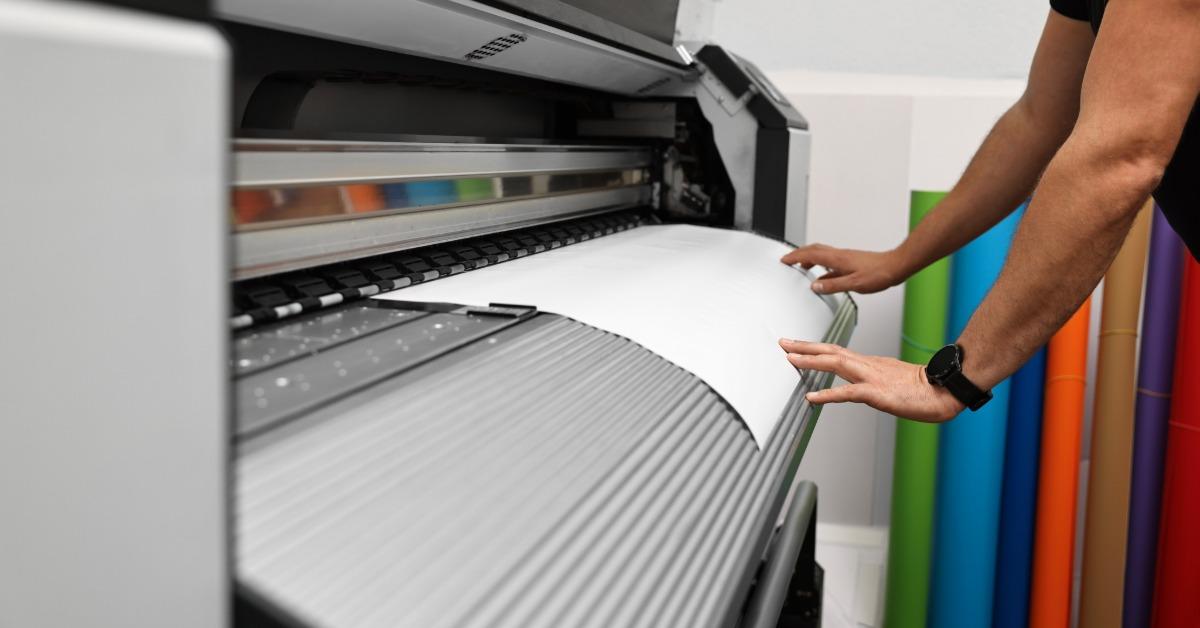
Choosing paper is much easier when you focus on your printing goals. A slightly heavier sheet improves readability without creating the stiffness associated with cardstock, making it a practical upgrade for many everyday documents. That balance appeals to businesses, schools, and home offices alike.
You don't have to become a paper expert to make a smart decision. When you recognize what opacity contributes to a finished document, you notice every small change that can improve the result. Better paper supports your work without demanding extra effort from you.
Balance Cost and Quality
Every print project has a budget, so it makes sense to think about value instead of price alone. Paying a little more for paper that produces cleaner duplex documents reduces the need to reprint pages that don't meet your expectations. That practical approach stretches your printing budget while delivering better-looking results.
If you're comparing options or looking for dependable guidance, Plotter Paper Guys offers practical expertise that helps you find the right paper for your projects. Explore our selection and find the paper that fits your next print job with confidence.